Tech Tools
-
Is Your Child Finishing Everything Too Quickly? They May Need More Than “Extra Work.”

Discover how to recognize the signs of an advanced learner and why these students need meaningful challenges instead of simply more work. In this post, you’ll learn practical ways to nurture your child’s curiosity at home and explore engaging, classroom-tested resources designed to develop critical thinking, creativity, STEM skills, and a lifelong love of learning.…
-
The Benefits of Google Suite in the Gifted Classroom

-
Why I Grade Student Assignments in #smithingifted — Even When They Don’t Go on a Report Card
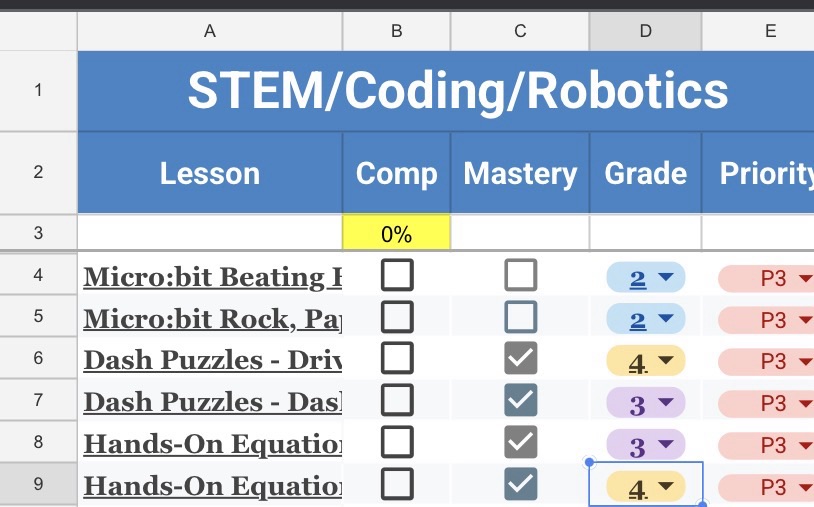
In this #smithingifted blog post, I explain why I grade gifted student assignments even though they do not appear on a traditional report card. My simple 1–4 grading system helps students understand expectations, gives meaningful feedback, creates accountability, and provides clear documentation for progress reports. For gifted teachers, this system makes it easier to track…
-
Welcome to #smithingifted: Where Gifted Learners Think Bigger, Create More, and Lead the Way
#smithingifted is a resource space for gifted teachers who want more than basic enrichment. Created by gifted educator Beth Smith, #smithingifted focuses on rigorous, creative, and ready-to-use resources for gifted and high-ability learners, especially in STEM, robotics, coding, design thinking, student choice, and real-world problem solving. From classroom projects to innovation challenges, these resources are…
-
FarmBeats for Students: Classroom Ag with micro:bit — Growing Innovation Through the Global Innovation Lab
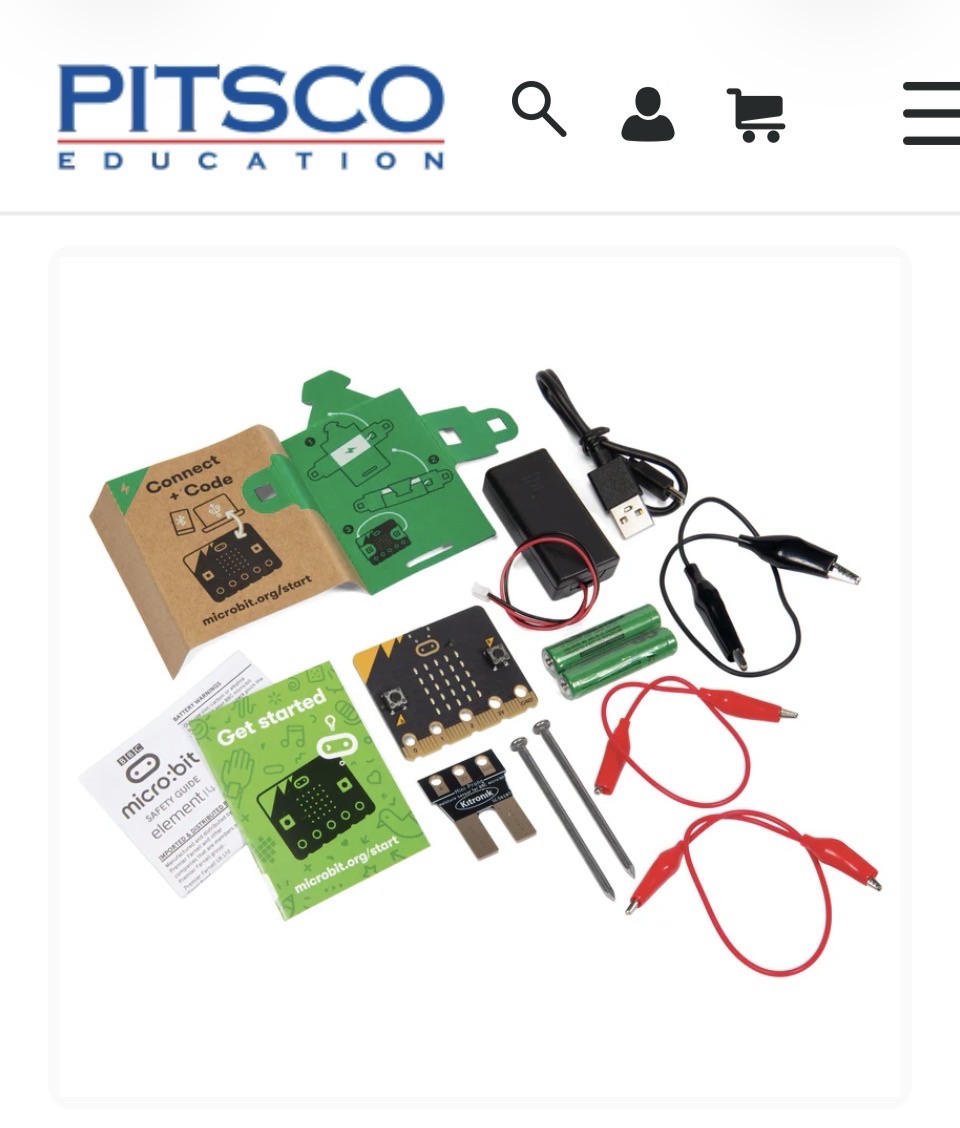
This blog post explores how FarmBeats for Students: Classroom Ag with micro:bit can support the Global Innovation Lab by connecting coding, agriculture, water conservation, and real-world problem solving. Through micro:bit sensors and hands-on investigations, students can collect data on soil moisture, plant growth, and water use while designing solutions to grow plants more efficiently. This…
-
Finding Professional Development That Actually Works for the 3–5 Gifted Classroom 🚀

This blog post shares my love for finding meaningful professional development for the 3rd–5th grade gifted classroom. As a self-proclaimed PD junkie, I’m always looking for fresh ideas that support STEM, coding, robotics, maker education, creativity, and real-world problem solving. One of my favorite PD resources is Infosys Pathfinders, a free platform that offers valuable…
-
Global Innovation Lab Update: We’re Building Something Bigger Than One Classroom 🌎🚀

This blog post gives an update on the Global Innovation Lab and how it is moving from an idea into a real educator community. It explains that the first phase is focused on recruiting interested educators, building connections, creating a global map, and preparing for the first challenge: Every Drop Counts: Designing Solutions for a…
-
Choice, Pace, and Purpose: Gifted Students Shouldn’t Have to Wait for Their Next Assignment
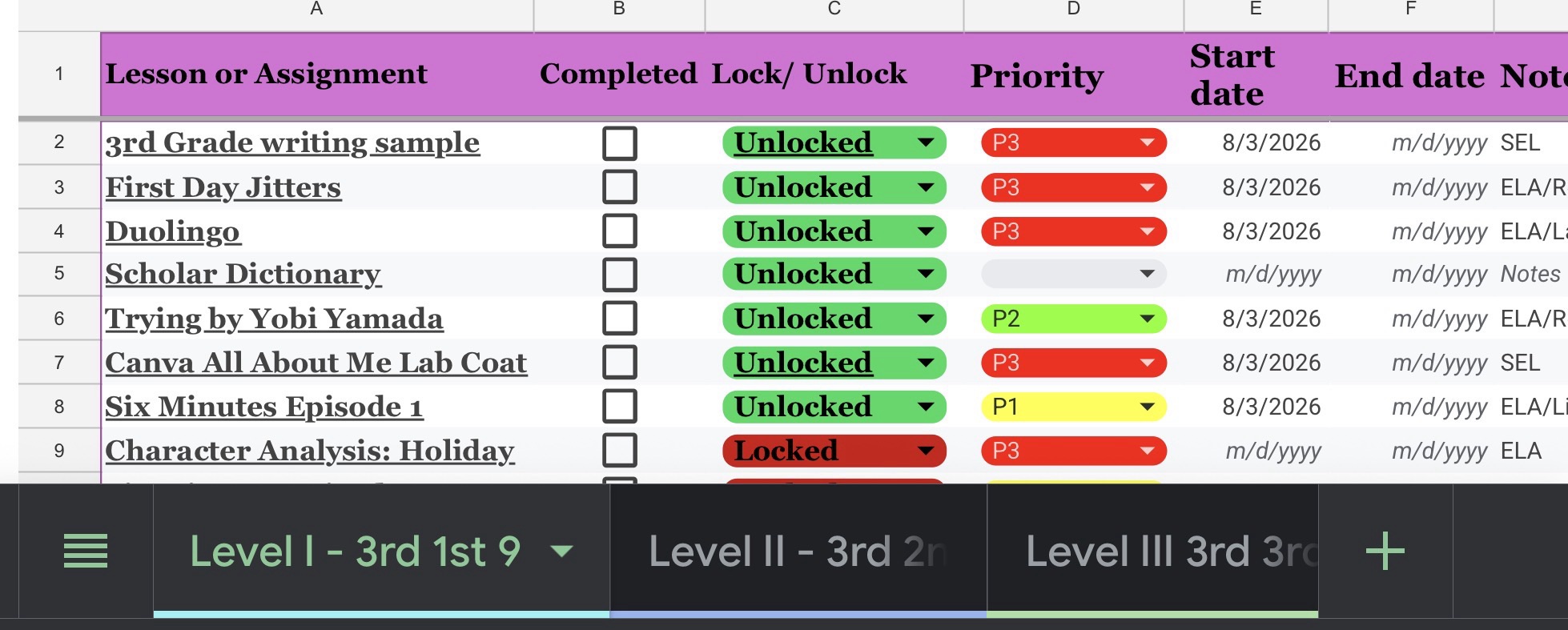
This blog post explores why gifted students need choice, flexible pacing, and meaningful purpose in their learning. Instead of making fast finishers wait or giving them extra busy work, the #smithingifted model allows students to move forward through choice-based pathways, badges, portfolios, STEM, robotics, coding, research, and extension challenges. Gifted education is not about giving…
-
Building a Coding & Robotics Continuum for Gifted Learners 🤖💡

This blog explains how the #smithingifted Coding & Robotics Continuum organizes STEM tools into a purposeful, 3-year learning pathway for 3rd–5th grade gifted students. Instead of using coding and robotics as random activities, the continuum helps students move from introduction to developing skills to strong, independent use across four nine-week cycles each year. It highlights…
-
Adding Turing Tumble to the #smithingifted Curriculum
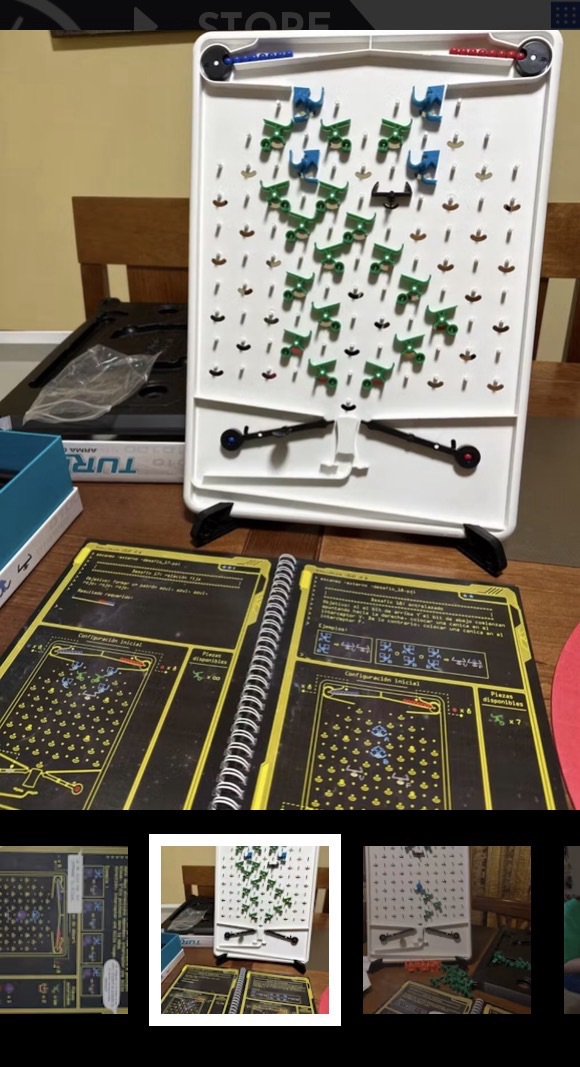
I am adding Turing Tumble to the fourth nine weeks of each year in the #smithingifted curriculum as a hands-on computational thinking milestone. Students work through twelve Google Sheets across 3rd, 4th, and 5th grade, and Turing Tumble gives them something exciting to look forward to while reinforcing logic, perseverance, debugging, and problem-solving.