Beth Smith, M. Ed. | #smithingifted
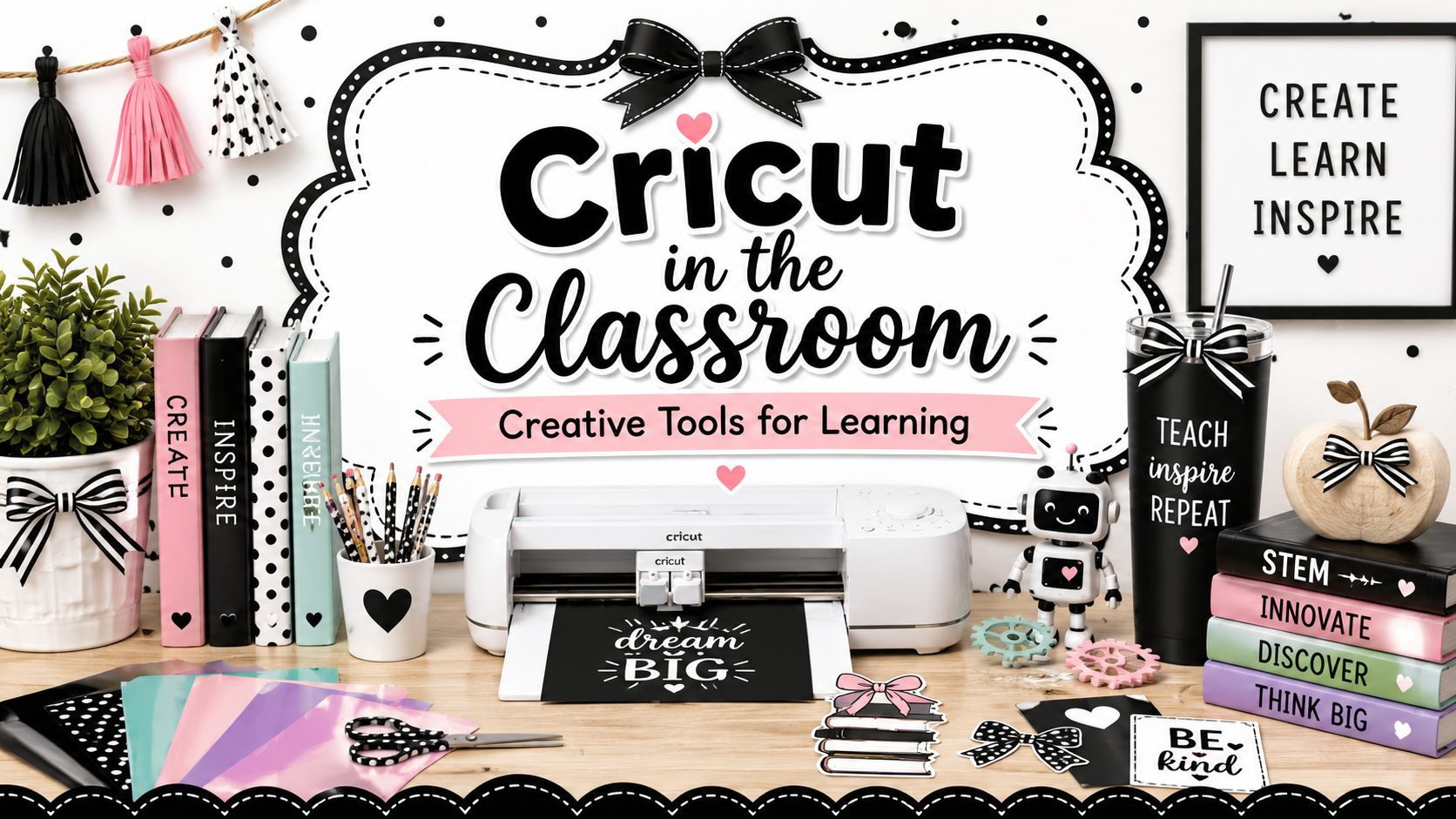
I have not officially used Cricut in my gifted classroom yet, but I already know this: it belongs in the #smithingifted curriculum.

Gifted students need more than worksheets, fast-finisher packets, and “extra” assignments. They need opportunities to design, create, test, revise, and produce something real. That is exactly why I am adding Cricut into my gifted classroom — not as a craft tool, but as a design, engineering, creativity, and entrepreneurship tool.
A Cricut gives students the chance to take an idea from their imagination and turn it into a finished product they can hold in their hands. That matters.
Why Cricut Belongs in Gifted Education
Gifted learners often have big ideas, but they also need tools that help them bring those ideas to life. Cricut gives students a way to move from thinking to creating.
With Cricut, students can design:
- Stickers
- Vinyl decals
- T-shirt designs
- Labels
- Posters
- Classroom products
- Engineering prototypes
- Marketing materials
- Business logos
- Project displays
- Challenge badges
- Innovation Lab products
This connects naturally to STEM, design thinking, entrepreneurship, literacy, research, and creative problem solving.
In the gifted classroom, Cricut is not about “making cute stuff.” It is about helping students ask:
What can I design?
Who is my audience?
What problem am I solving?
How can I improve my product?
How can I make my idea clearer, stronger, and more useful?
That is gifted thinking.
Cricut and the Design Thinking Process
One reason I am excited to add Cricut to my curriculum is because it supports the design thinking process so well.
Students can:
1. Identify a Need
Students begin by asking what problem they want to solve or what product they want to create.
Maybe they need a better label system for classroom materials.
Maybe they want to create signs for the Innovation Hub.
Maybe they want to design badges for completing levels.
Maybe they want to make products for a student business challenge.
2. Imagine and Plan
Before touching the Cricut, students sketch, brainstorm, research, and plan.
They think about color, size, audience, materials, message, and purpose.
3. Create a Digital Design
Students use digital tools to create their product. This step builds technology skills, visual design skills, spatial reasoning, and attention to detail.
4. Cut and Build
This is where the digital design becomes a physical product. Students get to see whether their idea works in the real world.
5. Test and Revise
Gifted students need revision. They need to learn that the first version is rarely the best version.
Was the design too small?
Did the letters cut correctly?
Was the material the right choice?
Does the product communicate the intended message?
Students revise, improve, and try again.
That is where the learning gets powerful.
How Cricut Fits the #smithingifted Curriculum
The #smithingifted curriculum is built around student choice, pacing, creativity, problem solving, and real-world learning. Cricut fits directly into that model.
Students can use Cricut as part of several learning pathways:
STEM Pathway
Students can create labels, models, prototypes, diagrams, and challenge materials.
Entrepreneurship Pathway
Students can design products, create logos, develop branding, and make items for a mock business or student marketplace.
Research Pathway
Students can create visual displays, museum-style exhibit labels, or product designs connected to research topics.
Innovation Pathway
Students can design solutions for classroom, school, or community problems.
Global Innovation Lab
Students can create team logos, challenge badges, presentation materials, water conservation campaign products, and showcase displays.
Cricut will give students another tool for turning ideas into impact.
Possible Cricut Projects for Gifted Students
Here are some project ideas I am excited to try:
1. Student Badge System
Students can design and create badges for different #smithingifted levels such as Explorer, Engineer, Innovator, and Visionary.
2. Innovation Lab Team Logos
Students can create team logos for Global Innovation Lab groups and explain how their design represents collaboration, creativity, and problem solving.
3. Classroom Organization Challenge
Students can design a better labeling system for classroom materials, robotics bins, makerspace supplies, or student portfolios.
4. STEM Vocabulary Decals
Students can create decals or posters for important STEM terms such as prototype, iteration, innovation, algorithm, variable, and hypothesis.
5. Entrepreneur Product Design
Students can create a mini business, design a product, make branding materials, and pitch their idea.
6. Book-Themed Products
For Battle of the Books, students can create quote decals, character stickers, book badges, or team shirts.
7. Community Awareness Campaigns
Students can create vinyl decals, posters, or wearable designs connected to real-world issues such as water conservation, recycling, kindness, or local history.
8. Our Hometown Projects
Students can design Roswell-themed stickers, landmark labels, walking tour graphics, or museum-style exhibit pieces.
9. Engineering Process Displays
Students can create visual reminders of the engineering design process to use during STEM challenges.
10. Student-Created Gifts
Students can design meaningful gifts connected to learning, such as bookmarks, decals, cards, or classroom celebration items.
The Rigor Is in the Thinking
Some people may look at Cricut and think it is just a craft machine.
I see something different.
I see a tool that can help students practice:
- Design thinking
- Measurement
- Geometry
- Spatial reasoning
- Problem solving
- Digital creation
- Entrepreneurship
- Communication
- Revision
- Creative confidence
The rigor does not come from the machine.
The rigor comes from the challenge we give students.
Instead of saying, “Make a sticker,” we can say:
Design a sticker that teaches an important concept to someone younger than you.
Instead of saying, “Make a shirt,” we can say:
Create a wearable design that communicates a message about innovation, leadership, or community impact.
Instead of saying, “Make a label,” we can say:
Redesign our classroom organization system so students can find materials more independently.
That is the difference between a craft and a gifted learning experience.
Starting Small
Since I have not used Cricut in my classroom yet, I plan to start small.
My first goal is not to have students create huge projects right away. My first goal is to teach them the process:
Design. Cut. Weed. Transfer. Apply. Reflect. Revise.
Students will need to learn patience, precision, and problem solving. They will need to understand that tiny details matter. They will need to troubleshoot when something does not work.
That is exactly why Cricut belongs in gifted education.
Gifted students need tools that challenge both their creativity and their perseverance.
A New Tool for Student Voice
One of the things I love most about adding Cricut is that it gives students another way to express their ideas.
Not every gifted student wants to show learning through a written report. Some students are designers. Some are builders. Some are visual thinkers. Some are entrepreneurs. Some are problem solvers who need a tool in their hands before their best ideas come out.
Cricut creates space for those students.
It gives them another way to say:
This is what I know.
This is what I imagined.
This is what I created.
This is how I can make it better.
Final Thoughts
I am excited to add Cricut to the #smithingifted curriculum because it represents everything I want for gifted students.
I want them thinking.
I want them designing.
I want them creating.
I want them revising.
I want them solving real problems.
I want them making products that matter.
Cricut is not just another classroom tool.
In the gifted classroom, Cricut can become a pathway to innovation, creativity, entrepreneurship, and authentic learning.
And that is exactly where #smithingifted is headed.
Gifted students do not just need harder assignments. They need better opportunities to create, lead, and innovate.
Cricut gives them one more way to do exactly that. ✂️🚀
Suggested Tags
gifted education, gifted classroom, Cricut classroom, STEM education, makerspace, design thinking, student creativity, gifted learners, project-based learning, entrepreneurship, innovation, elementary gifted, #smithingifted, creative problem solving, classroom makerspace