
Intro to Micro:bit
Start coding. Start creating. Discover what your Micro:bit can do.
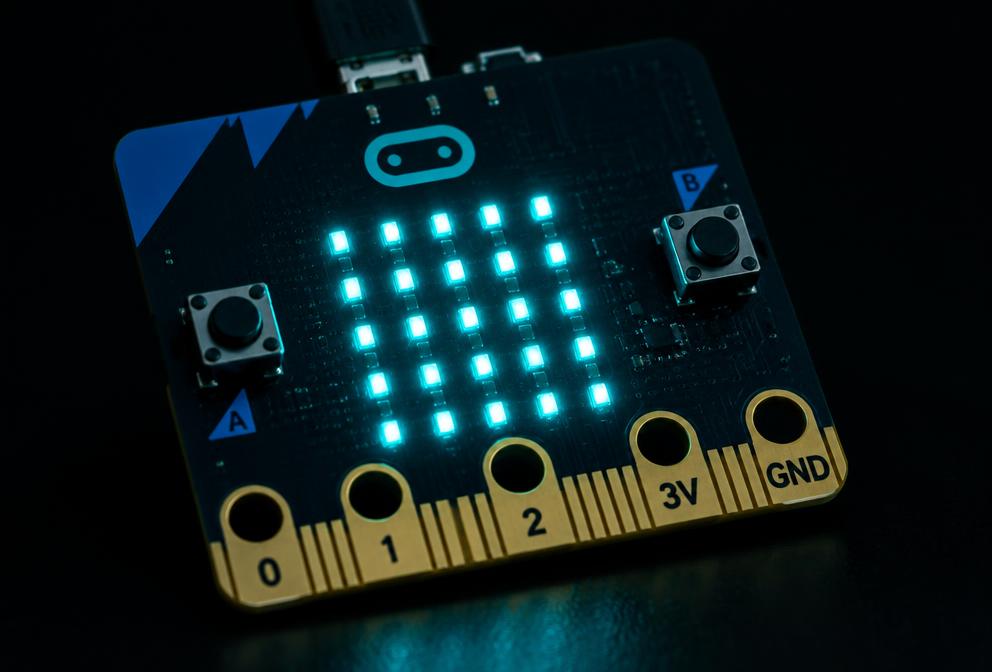
// about this course
Intro to Micro:bit introduces students to physical computing and block-based coding through hands-on challenges. Students learn how the Micro:bit works, create their first programs, use inputs and outputs, and begin thinking like programmers through experimentation, debugging and creative problem solving.
// what you'll learn
- Identify the parts of the Micro:bit and what each one does
- Build, test and download programs in Microsoft MakeCode
- Use buttons, gestures and sensors as inputs
- Design images and patterns on the 5×5 LED display
- Use loops and random numbers to write efficient code
- Debug programs and explain the fix like a programmer
- Imagine, plan, build and share an original Micro:bit project
// lessons
- 0125 min
Meet the Micro:bit
What is a Micro:bit? Explore the physical board.
- 0230 min
Meet MakeCode
Introduce the Microsoft MakeCode environment.
- 0335 min
Your First Program
Create and download a simple program.
- 0435 min
Buttons & Inputs
Program Buttons A, B and A+B.
- 0535 min
LED Display
Create images and patterns using the 5×5 LED grid.
- 0635 min
Forever & Loops
Introduce repetition and forever.
- 0735 min
Shake It!
Introduce the accelerometer and gesture inputs.
- 0840 min
Random Number Challenge
Introduce random values with a digital dice.
- 0940 min
Debugging Lab
Find, test and explain fixes in broken code.
- 1060 min
Micro:bit Creator Challenge
Design your own beginner Micro:bit project.